FleetRanger
Controller app
FleetRanger's app runs on the DJI remote controller. Pilots say who's flying before they open DJI Pilot 2, and the app uploads the flight logs afterwards by itself. Getting started shows how to install and pair it.
The main screen
The app opens on Who's flying? Select the pilot's tile to open DJI Pilot 2, or Other pilot for someone else.
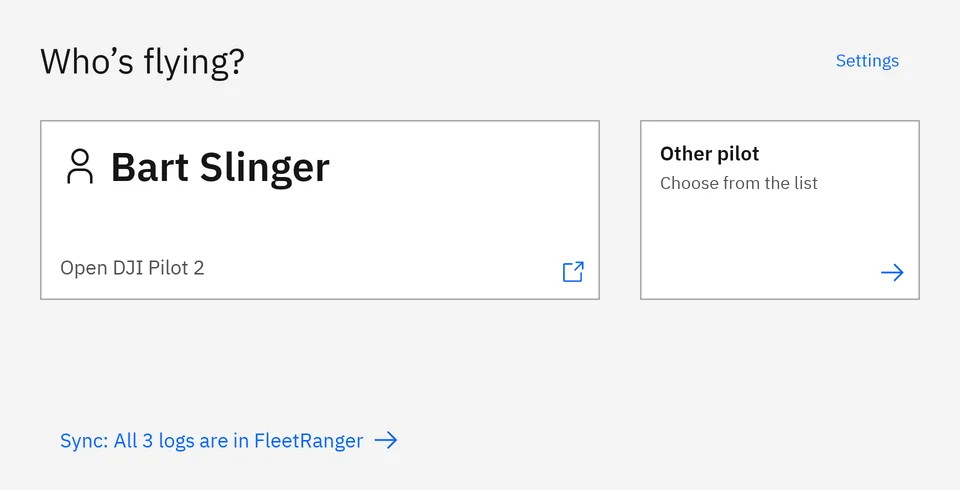
At the bottom, Sync: says how the uploads are going.
Settings
Settings, at the top right of the main screen, has four tabs.
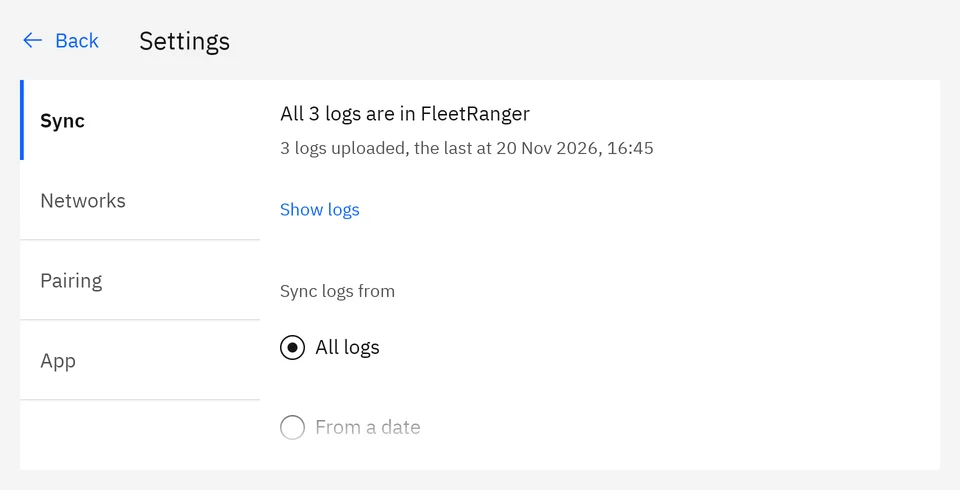
Sync
How many logs are in FleetRanger. Sync logs from chooses which logs to upload: all of them, or those from a date on.
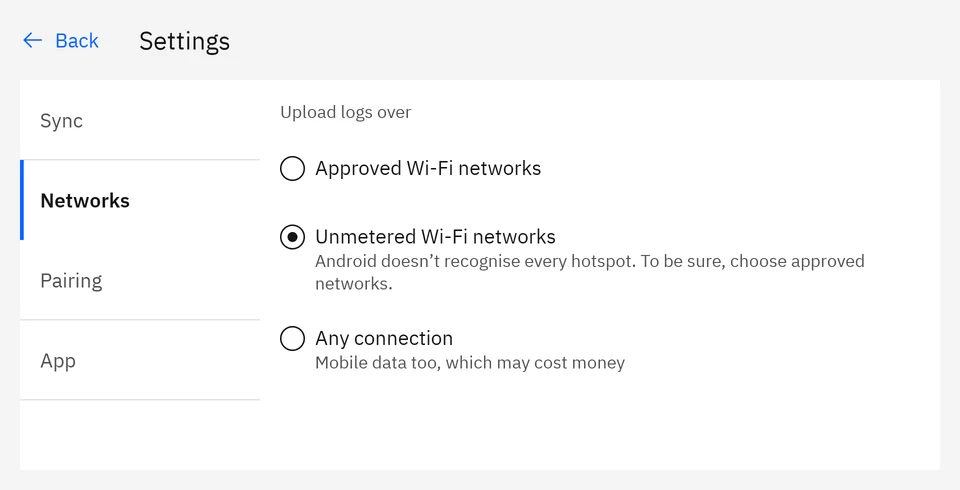
Networks
Which connections the app uploads over. By default it's Wi-Fi networks that aren't metered.
Pairing
The FleetRanger server the controller uploads to. Unpair controller stops the uploads until it's paired again.
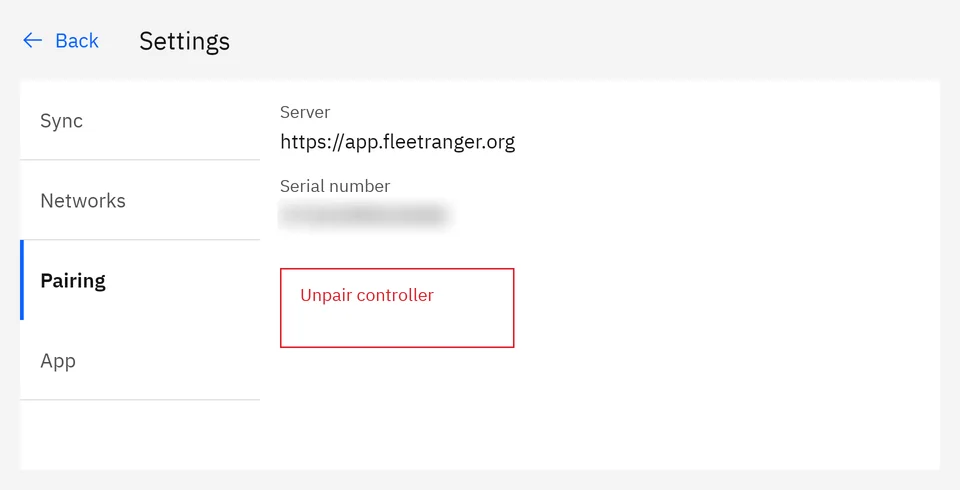
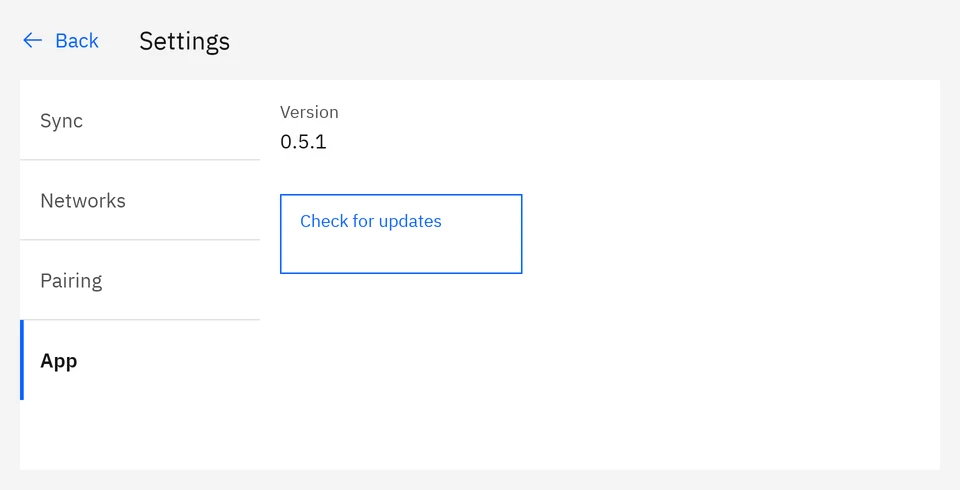
App
The app's version. The app checks for updates by itself and shows when one is available.