 FleetRanger
Getting started
These steps get your first flight into FleetRanger: put the app on your DJI remote controller, pair it, and fly.
Until your organisation has its first flight, FleetRanger opens on Equipment for admins, with these steps.
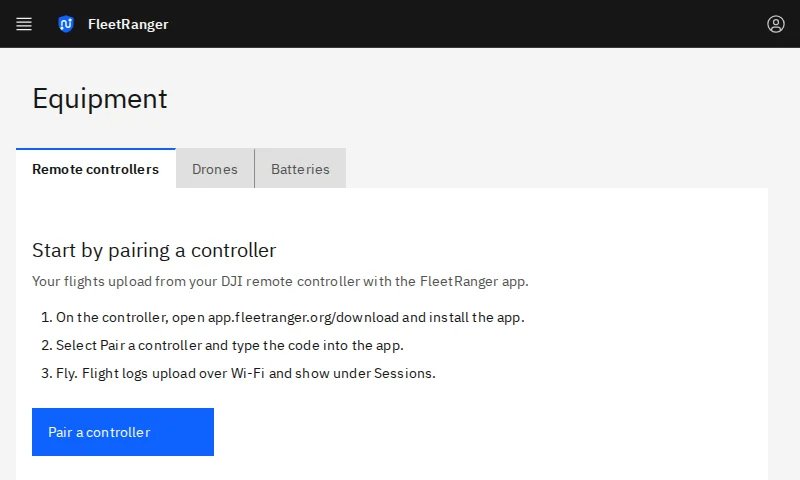
Install the app on the controller
On the controller, open Firefox and go to your FleetRanger address followed by
/download, such asapp.fleetranger.org/download.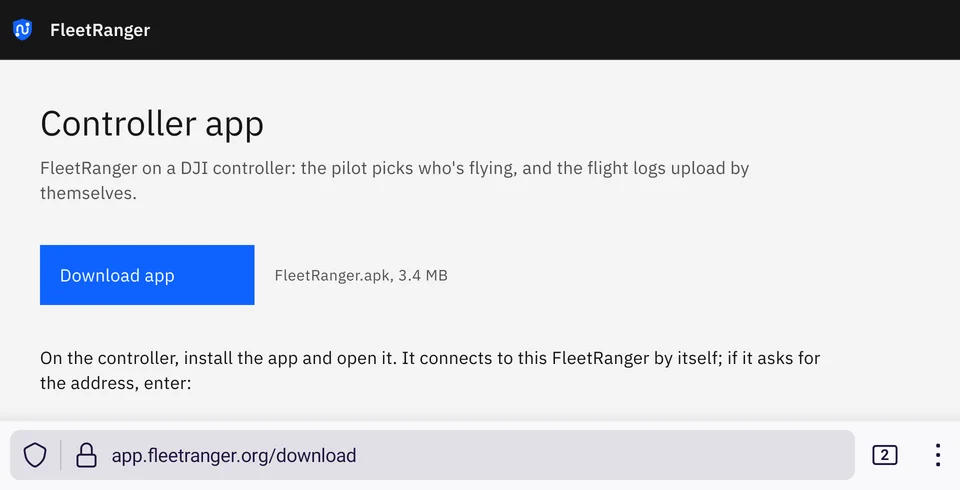
Select Download app. When Firefox has downloaded it, select Open.
The first time, Android says it may not install apps from this source. Select Settings, turn on Allow from this source, and go back.
Select Install, then Open.
Pair the controller
In the web app, open Equipment and select Pair a controller, then Create code.
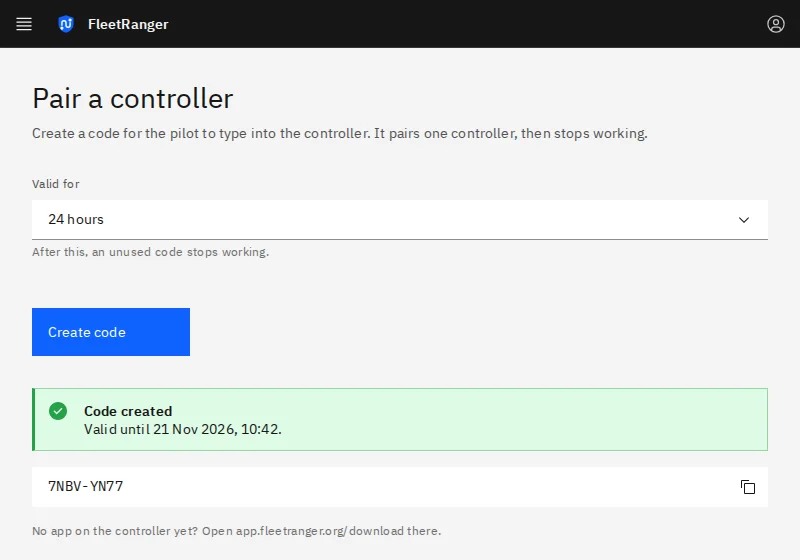
On the controller, type the code and select Pair.
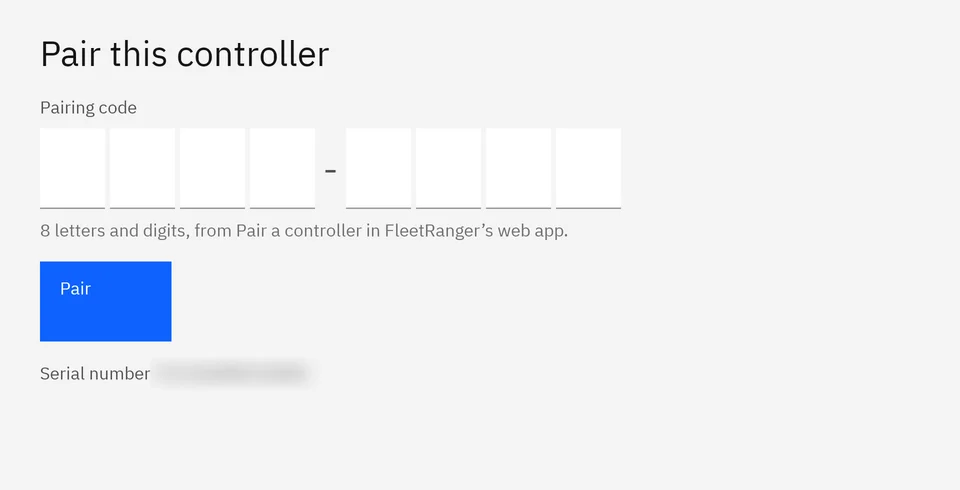
The app says Paired. Select Continue.
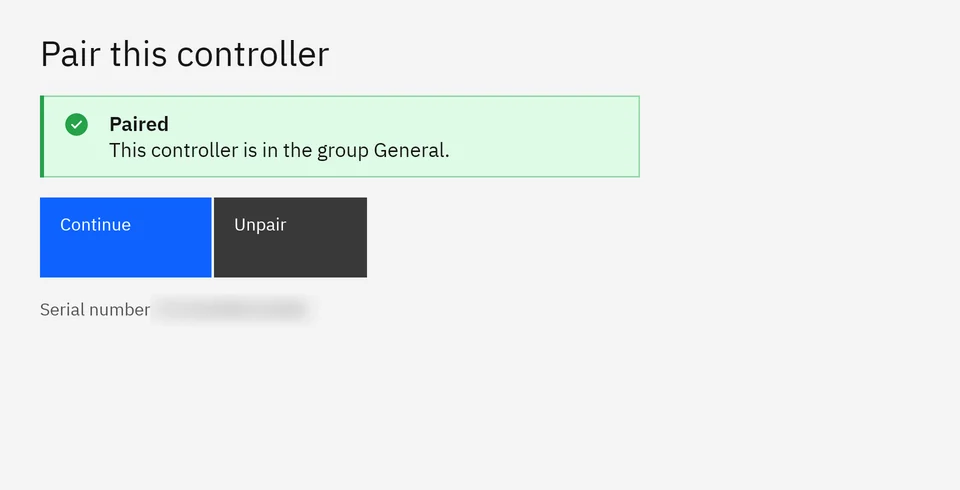
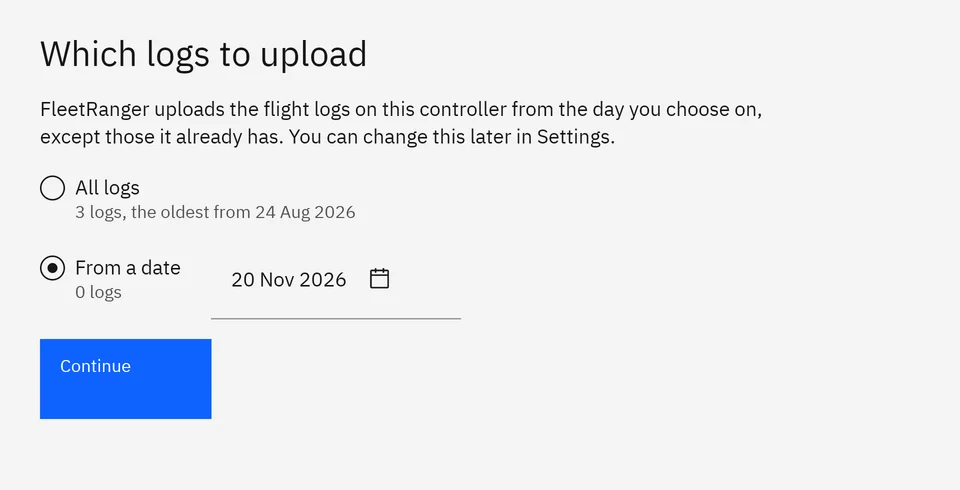
Allow the app to read the flight logs when it asks, and choose which logs to upload.
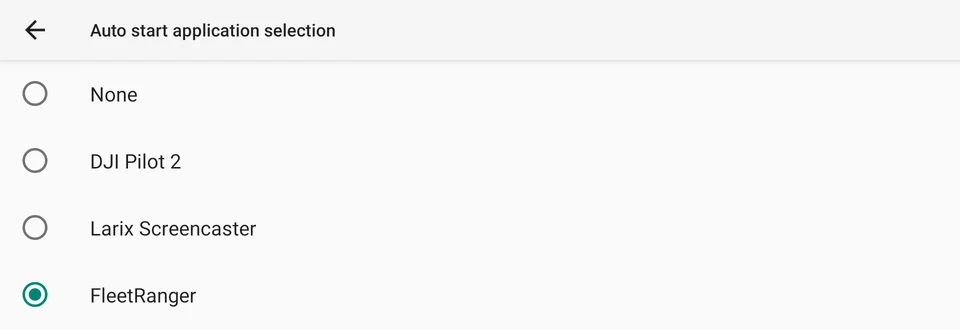
Open FleetRanger at startup
So that pilots always start in FleetRanger, select Open Android settings in the notice on Who's flying?, and choose FleetRanger:
Fly
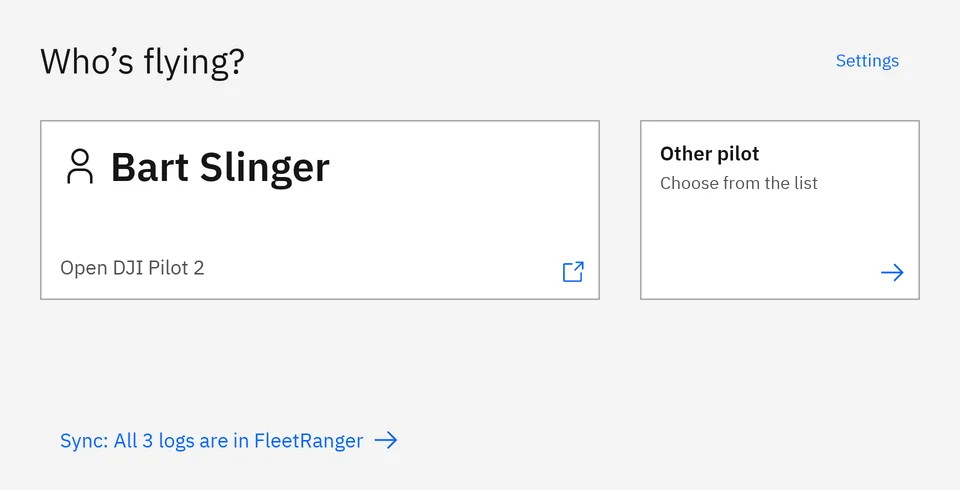
On Who's flying?, choose the pilot and select their tile: the app opens DJI Pilot 2. Fly as usual: after the flight, the app uploads the flight log by itself.
See the flight
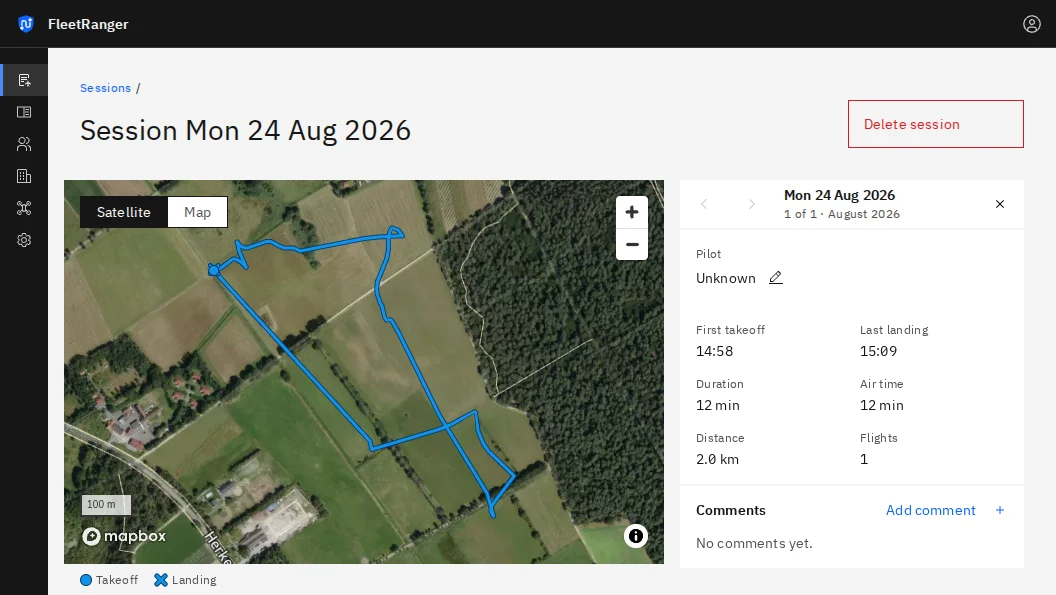
The flight shows under Sessions in the web app. See Sessions.
To add pilots and other people, see Users.